About Settings
The core system configurations and definitions are managed via the Settings.
Only Users with the required permissions can access and modify settings.
To access the Settings menu, click the Settings icon from the right of the top bar which opens a sub menu list of the settings items.
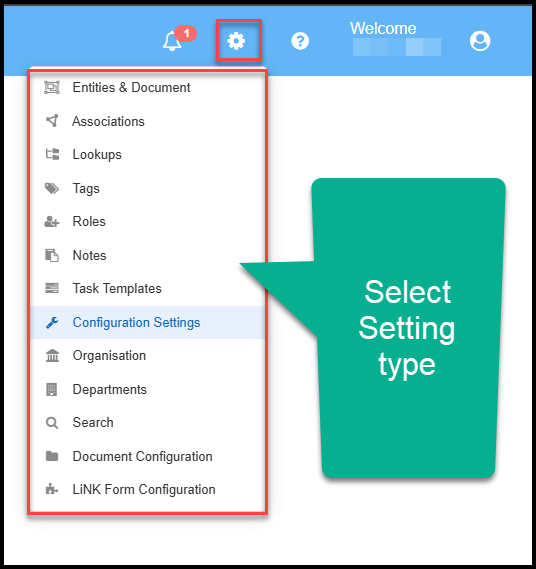
Clicking on a setting item from the menu will open that page where the definitions for the setting can be defined and configured.
Some of the settings will already have a number of existing definitions or values. These can be added to, edited or if not in use already, deleted
Within the settings, definitions and values are configured and managed as shown in these Topics.
- Configuration Settings
- Lookups
- Entities and Document
- Associations
- Notes
- Tags
- Task Templates
- Roles
- Search Types
- Document Configuration
- Link Configuration
- Organisation
- Departments
Watch the Video
Viewing Tips
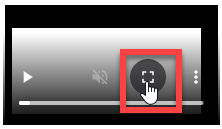
To view a video at full screen, click on the 'Full screen' button.
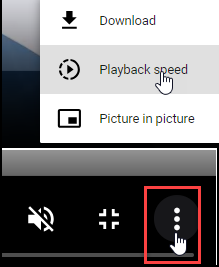
To adjust the playback speed (decrease or increase) click on the 3 dots and select Playback speed.
Captions display best if the mouse or touch-pad are not moved or engaged once playing.
Videos have no audio.
Settings Overview